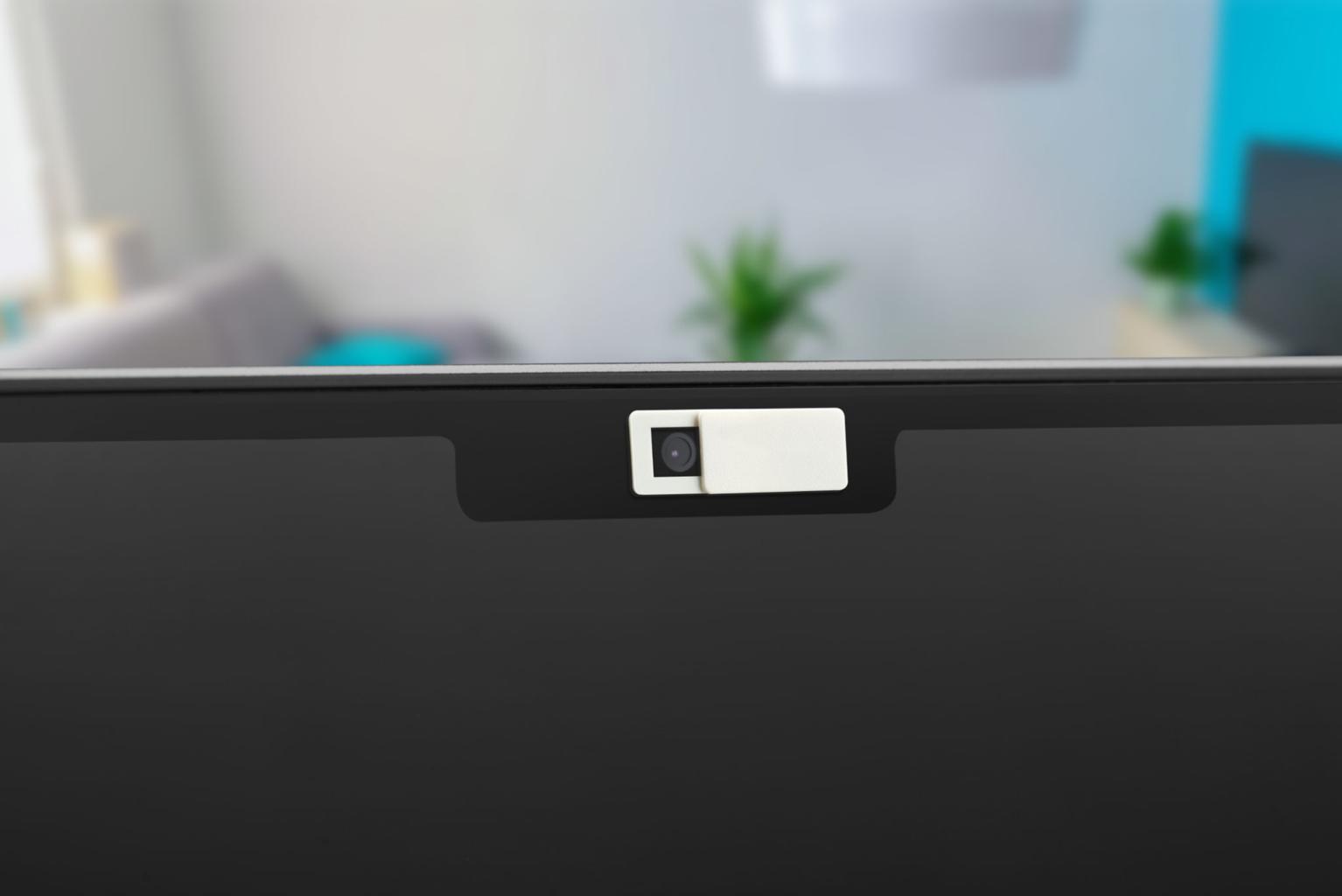
Block webcam spying is essential for protecting your privacy in today’s digital world. Webcams are built into most modern laptops and devices, allowing users to attend online meetings, communicate with friends, and participate in virtual learning. Webcams are built into most modern laptops and devices, allowing users to attend online meetings, communicate with friends, and participate in virtual learning. While webcams are extremely useful, they also raise an important privacy concern: webcam spying.
Cybercriminals sometimes attempt to access webcams through spyware, malware, or malicious software. If attackers gain control of a device, they may try to secretly activate the camera and record video without the user’s knowledge.
Fortunately, there are several simple and effective ways to block webcam spying and protect your privacy. By combining physical security measures with good cybersecurity habits, you can significantly reduce the risk of unauthorized webcam access. Many cybersecurity experts recommend simple steps such as webcam covers and permission management to effectively block webcam spying on personal devices.
Table of Contents
How to Block Webcam Spying on Your Laptop
Blocking webcam spying on your laptop requires a combination of physical protection, software security, and safe online behavior. While modern operating systems include built-in privacy features, users should still take additional steps to ensure that their webcam cannot be accessed without permission.
One of the simplest ways to block webcam spying is by using a webcam privacy cover. These small sliding covers attach directly over the laptop camera and physically block the lens when the camera is not in use. Even if malicious software tries to activate the webcam, the cover prevents any video from being recorded.
Another important step is managing camera permissions within your operating system. Both Windows and macOS allow users to control which applications can access the webcam. By reviewing these settings regularly, you can ensure that only trusted programs such as video conferencing apps have permission to use the camera.
Installing reliable antivirus or anti-malware software is also essential for blocking webcam spying attempts. Security programs can detect suspicious activity, spyware, and Remote Access Trojans that may attempt to control your device remotely.
Users should also develop good cybersecurity habits. Avoid downloading software from unknown websites, do not open suspicious email attachments, and always keep your operating system updated with the latest security patches.
By combining these precautions, you can effectively block webcam spying and protect your personal privacy while using your laptop.
Why Webcam Spying Is a Privacy Risk

Webcam spying occurs when an attacker secretly gains access to a device’s camera. This usually happens when malware or spyware is installed on a computer.
Some types of malicious software, such as Remote Access Trojans (RATs), allow attackers to control infected devices remotely. Once access is gained, hackers may attempt to activate the webcam, record video, or capture screenshots. Learning how to block webcam spying can prevent hackers from secretly accessing your laptop camera.
In many cases, victims do not realize their webcam is being accessed because the malware runs quietly in the background. This makes webcam security an important part of protecting personal privacy. Some users also wonder whether hackers can access your webcam without the light on, which explains how webcam indicator lights work.
If you want to understand how hackers may control webcams, you can also read about whether hackers can access your webcam without the light on, which explains how webcam indicator lights work.
Use a Webcam Privacy Cover
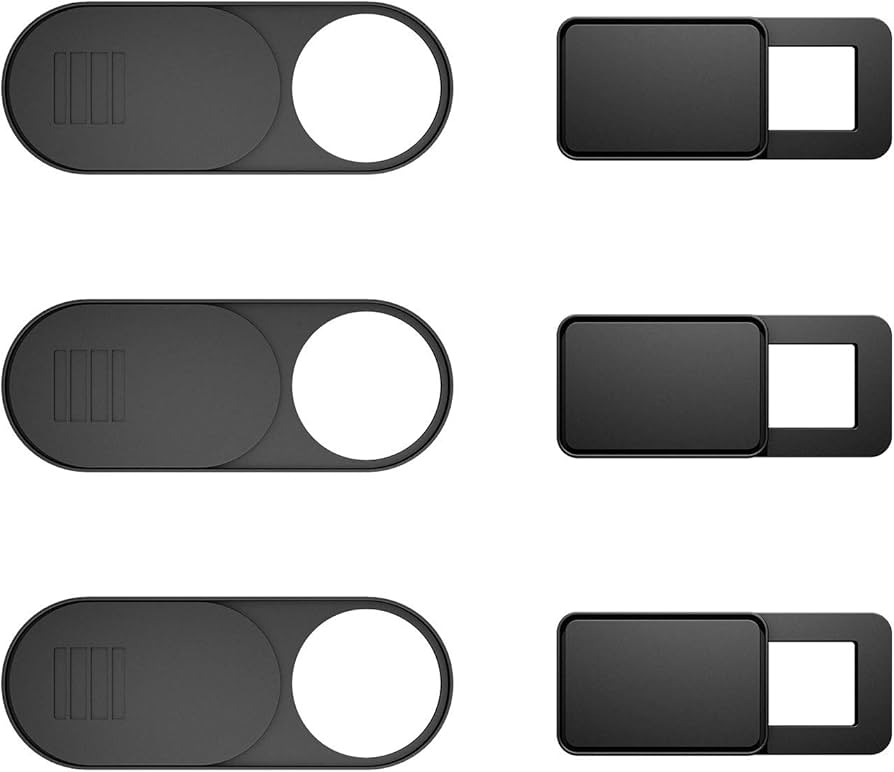
One of the easiest ways to block webcam spying is by using a webcam privacy cover.
A webcam cover is a small sliding device placed over the laptop camera. When the camera is not in use, the cover physically blocks the lens so that nothing can be recorded. Simple steps such as using a webcam cover or checking camera permissions can help block webcam spying attempts.
Many cybersecurity experts recommend this simple solution because it provides physical protection. Even if malware attempts to activate the webcam, the cover prevents the camera from capturing video.
If a webcam cover is not available, some users temporarily place a small piece of tape over the camera lens.
Manage Camera Permissions
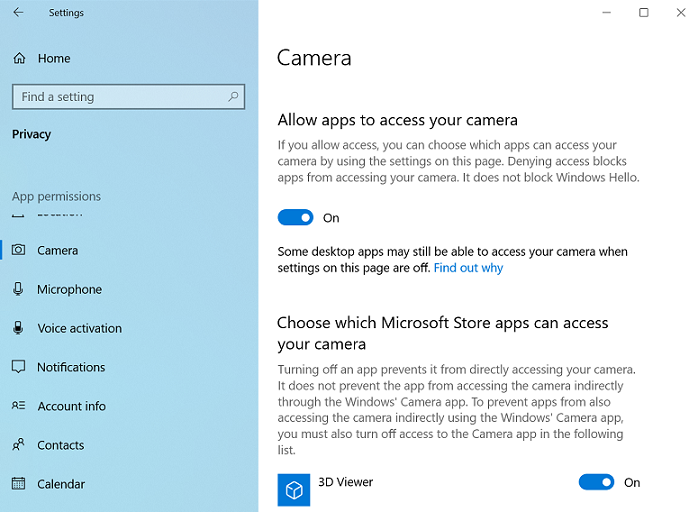
Most operating systems allow users to control which applications have access to the webcam.
Reviewing camera permissions regularly helps prevent unknown or suspicious programs from using the camera.
How to Check Camera Permissions
Windows
- Open Settings
- Select Privacy & Security
- Click Camera
- Review which apps have access
macOS
- Open System Settings
- Select Privacy & Security
- Click Camera
- Disable access for apps you do not trust
Restricting camera permissions is an important step in blocking webcam spying attempts.
Disable Your Webcam When Not in Use
Another effective method to block webcam spying is disabling the webcam entirely when it is not needed.
Most laptops allow users to disable the webcam through Device Manager or system settings. When disabled, the camera cannot be accessed by applications or malware until it is re-enabled.
While this method requires turning the camera back on for video calls, it provides an additional layer of protection.
Keep Your Operating System Updated
Software updates play an important role in cybersecurity. Updates often include patches that fix vulnerabilities discovered by security researchers.
Hackers frequently target outdated systems because they contain known weaknesses. Installing updates ensures that these vulnerabilities are patched and reduces the chances of malware exploiting them.
Enabling automatic updates can help keep your device protected without requiring manual action.
Install Reliable Antivirus Software

Security software provides another important defense against webcam spying.
Modern antivirus programs can detect suspicious behavior, spyware, and malicious software attempting to access system resources such as webcams.
Running regular malware scans helps identify hidden threats and remove malicious programs before they cause harm.
Reliable antivirus protection combined with safe browsing habits greatly reduces the risk of webcam spying. Cybersecurity experts recommend protecting device cameras and reviewing privacy settings regularly. According to the Cybersecurity and Infrastructure Security Agency (CISA), following basic security practices can significantly reduce the risk of cyber threats.
Avoid Suspicious Downloads and Phishing Emails
Many webcam hacking incidents begin when users accidentally download malware.
Cybercriminals often distribute malicious software through:
- phishing emails
- fake software updates
- pirated programs
- suspicious downloads
Avoid opening attachments from unknown sources and always download software from official websites.
Practicing safe browsing habits helps prevent malware infections that could lead to webcam spying.
Monitor Webcam Activity
Many laptops include a small indicator light next to the webcam lens. This light turns on whenever the camera is active. If you want a complete guide, you can learn how to secure your laptop camera properly to improve your privacy protection.
If the webcam indicator light turns on unexpectedly, it may indicate that an application is using the camera.
Users should also monitor their system for unusual behavior such as:
- unknown programs requesting camera access
- unexpected background processes
- sudden system slowdowns
If suspicious activity occurs, running a malware scan is recommended.
Final Thoughts
Webcams are valuable tools for communication, but they can also become privacy risks if they are not properly secured. Fortunately, there are several effective ways to block webcam spying and protect your personal information.
Using a webcam cover, reviewing camera permissions, installing security software, and avoiding suspicious downloads are simple steps that significantly improve device security.
By combining these precautions with good cybersecurity practices, users can ensure their webcams remain secure and their privacy stays protected.
Leave a Reply