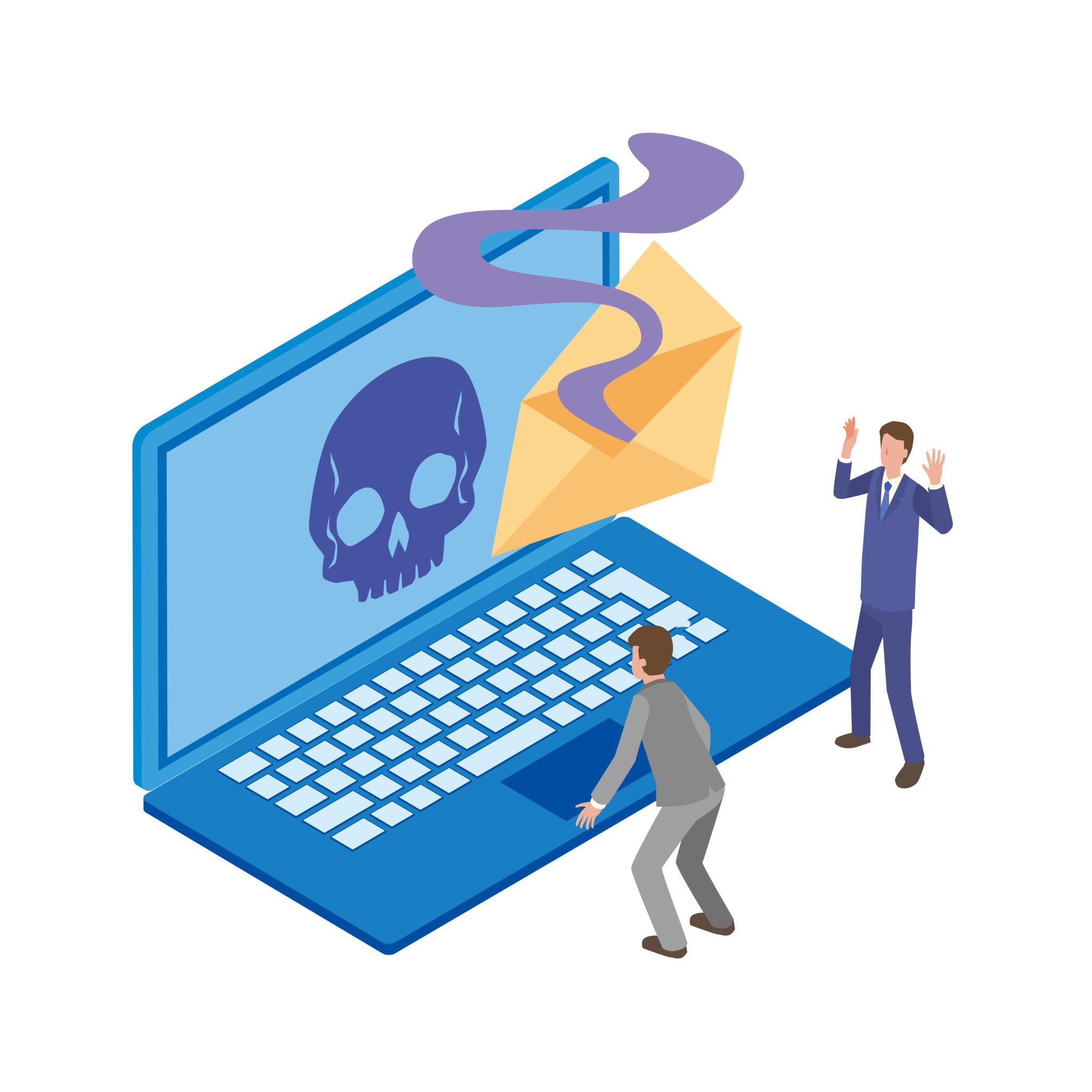
Many cybersecurity threats rely on hidden software that allows attackers to control devices remotely. One of the most dangerous types of malicious software is known as a Remote Access Trojan (RAT).
So, what is Remote Access Trojan (RAT) malware? A Remote Access Trojan is a type of malware that allows hackers to secretly access and control a victim’s computer or device over the internet. Once installed, a RAT can give attackers control over system functions such as files, applications, microphones, and even webcams.
Because RAT malware operates in the background, victims often do not realize their system has been compromised. Understanding how RAT malware works and how it spreads is essential for protecting your device and personal data. According to cybersecurity guidance from CISA, keeping systems updated and installing trusted security software are important steps for preventing malware infections.
Table of Contents
How Remote Access Trojan (RAT) Malware Works
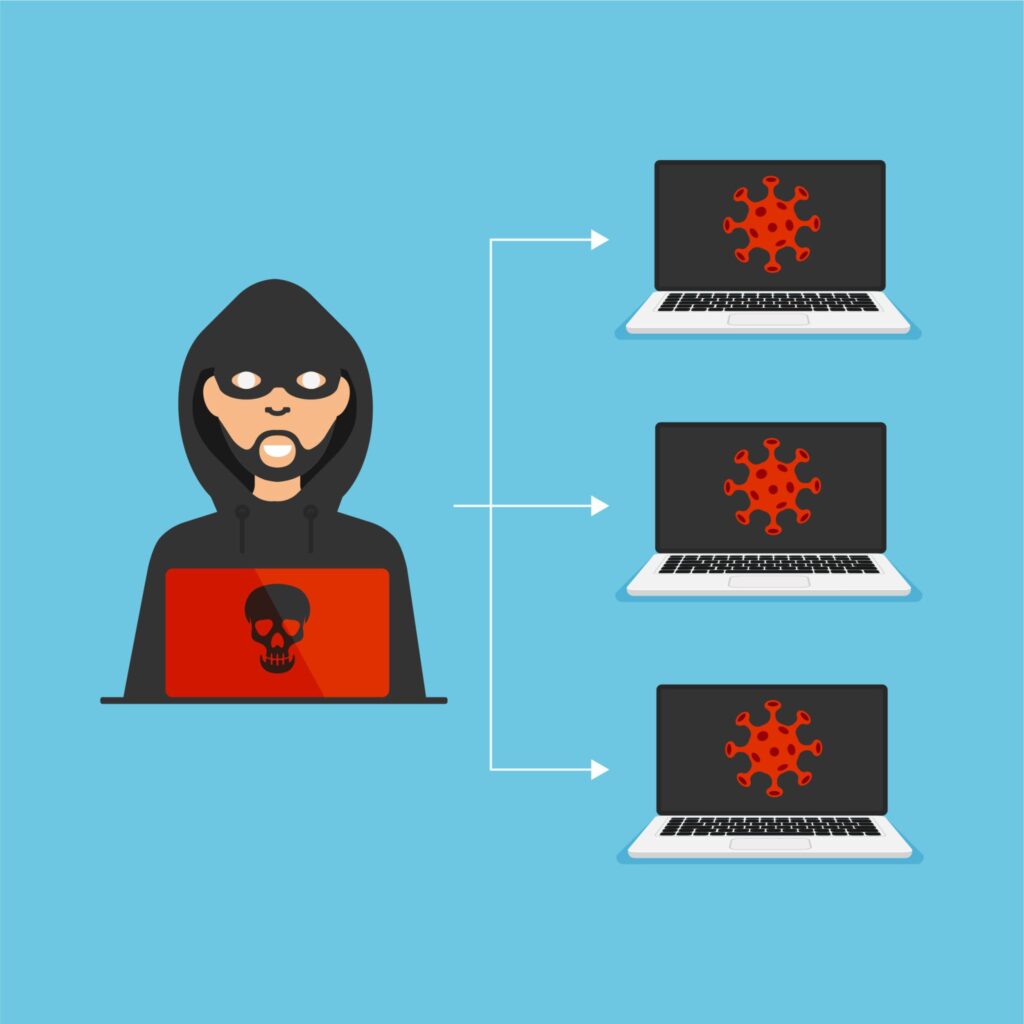
To understand what Remote Access Trojan (RAT) malware is, it helps to know how it operates.
A RAT usually enters a system disguised as legitimate software. Once installed, the malware creates a hidden connection between the victim’s device and the attacker’s computer. This connection allows the attacker to remotely control the infected device.
Through this connection, attackers may be able to:
- Access personal files
- Install additional malware
- Monitor keyboard activity
- Record screen activity
- Activate webcams or microphones
- Modify system settings
This is why RAT malware is considered one of the most dangerous types of cyber threats.
How RAT Malware Infects Computers

Most infections occur when users unknowingly install malicious software. Attackers often disguise RAT malware inside files that appear legitimate. Many cybersecurity attacks today rely on remote access trojan RAT malware because it allows attackers to control infected devices remotely.
Common infection methods include:
Phishing Emails
Cybercriminals send emails containing infected attachments or malicious links. When the file is opened, the malware installs itself.
Fake Software Downloads
RAT malware is sometimes hidden in pirated software, cracked applications, or unofficial downloads.
Malicious Websites
Some websites automatically attempt to install malware through security vulnerabilities in outdated systems.
Fake Software Updates
Attackers may trick users into installing fake updates that actually contain malware.
These techniques are designed to trick users into installing malware without realizing it.
What Hackers Can Do With RAT Malware
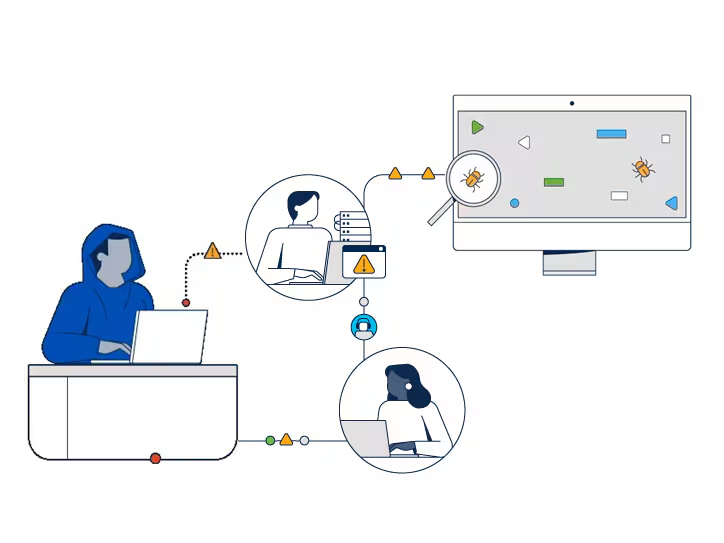
Once installed, RAT malware gives attackers extensive control over a system.
Some of the most serious risks include:
Remote Surveillance
Attackers may attempt to activate webcams or microphones to spy on victims.
This is one reason people ask whether someone can spy on you through your laptop camera. Another common question is whether hackers can access your webcam without the light on.
Data Theft
Hackers may steal personal files, login credentials, or financial information stored on the device.
Installing Additional Malware
Attackers may install other malicious programs such as spyware, ransomware, or keyloggers.
System Manipulation
RAT malware can allow attackers to change system settings, download files, or control applications remotely.
Because RAT malware provides remote control of devices, it is often used in targeted cyber attacks.
Signs Your Computer May Be Infected With RAT Malware

Detecting RAT malware can be difficult because attackers try to keep it hidden. However, there are several warning signs that may indicate your device has been compromised. You may also want to learn the signs your webcam has been hacked to detect suspicious activity early.
Unusual System Slowdowns
Malware running in the background can consume system resources and cause devices to slow down.
Unknown Programs Running
If unfamiliar programs appear on your system or in your task manager, it could indicate malicious software.
Webcam Activates Unexpectedly
If your webcam light turns on when you are not using it, it may indicate unauthorized camera access.
This can be one of the signs your webcam has been hacked.
Security Alerts
Antivirus programs may detect suspicious behavior related to RAT malware.
If security software displays warnings, it is important to investigate immediately.
How to Protect Yourself From RAT Malware
Preventing RAT malware infections requires good cybersecurity practices.
Use Reliable Antivirus Software
Security software can detect and block many malware threats before they infect your device.
Keep Your System Updated
Operating system updates often include security patches that fix vulnerabilities.
Avoid Suspicious Downloads
Only download software from trusted sources and avoid pirated programs.
Be Careful With Email Attachments
Never open attachments from unknown senders.
Use Webcam Privacy Covers
Many users place covers over laptop webcams as an extra privacy protection measure. If you are concerned about webcam spying, read our guide on how to secure your laptop camera properly.
These precautions significantly reduce the risk of malware infections.
Is RAT Malware Common?
While RAT malware exists, it is not something most everyday users encounter frequently. Many attacks target specific individuals, organizations, or businesses rather than random users.
However, the risk still exists, especially if devices are poorly protected or frequently used on unsafe networks.
Following good security practices helps reduce the chances of infection.
Final Thoughts
So, what is Remote Access Trojan (RAT) malware?
A Remote Access Trojan is a type of malicious software that allows attackers to secretly control a computer from a remote location. Once installed, RAT malware can allow hackers to monitor activity, steal data, and potentially access webcams or microphones.
Although RAT malware can be dangerous, users can protect themselves by installing reliable antivirus software, keeping systems updated, avoiding suspicious downloads, and monitoring device activity. Understanding how remote access trojan RAT malware works can help users identify suspicious behavior and prevent serious cybersecurity threats.
Understanding how RAT malware works is an important step toward maintaining strong digital security and protecting your personal privacy online.
Leave a Reply