Introduction
Recover hacked email account issues can be stressful, especially when you lose access to important messages and linked accounts. Email accounts are often targeted by hackers because they provide access to personal data, banking, and social media.
If you act quickly, you can recover your account and prevent further damage. In this guide, you’ll learn step-by-step how to recover a hacked email account and secure it from future attacks.
If you need to recover hacked email account access quickly, following the right steps can help you regain control and secure your data.
Table of Contents
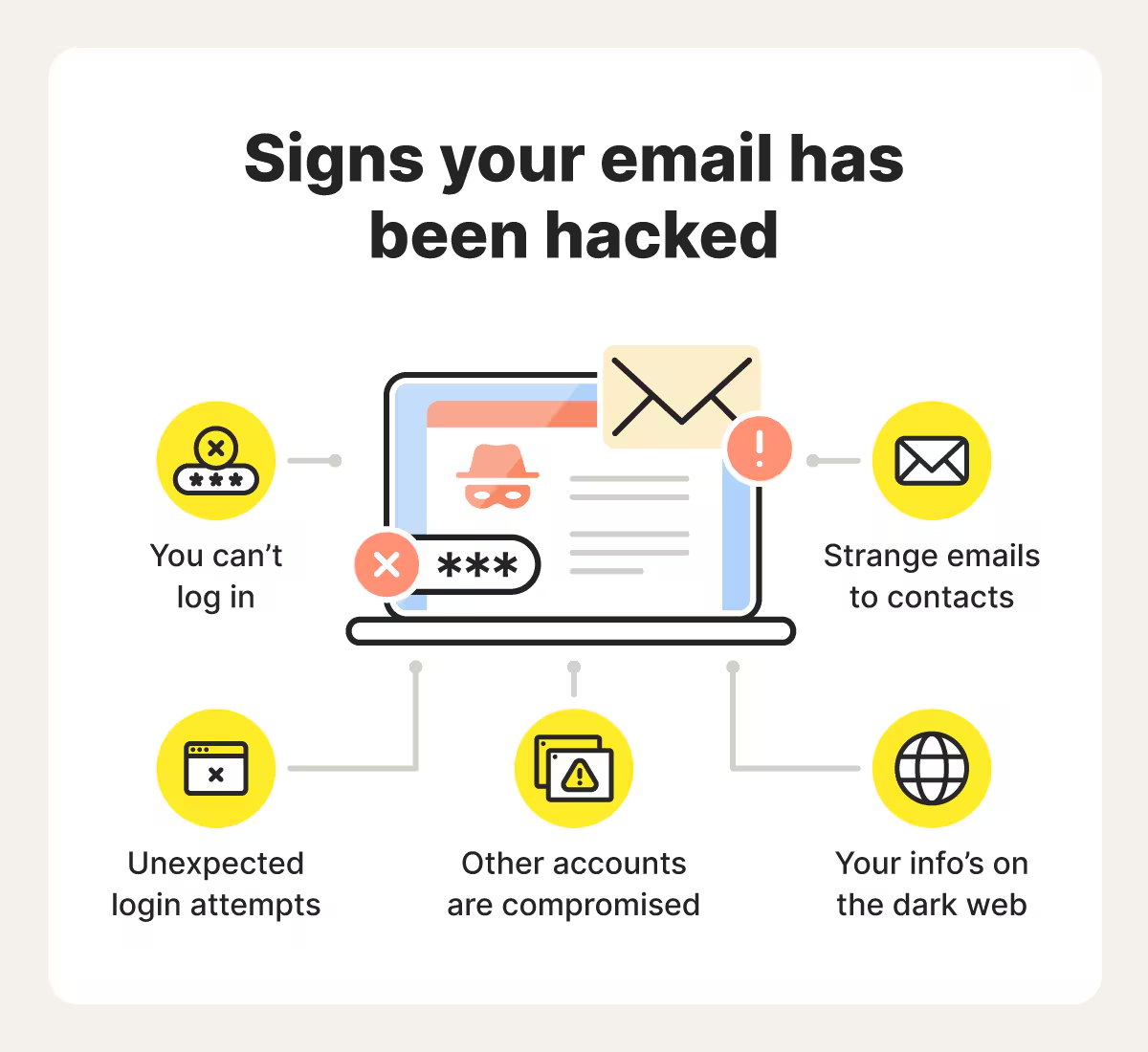
Signs Your Email Has Been Hacked
If you’re unsure whether your account is compromised, check our guide on
signs your email has been hacked.
Common signs include:
- Unrecognized login activity
- Password no longer works
- Emails sent without your knowledge
- Suspicious account changes
Step-by-Step: How to Recover a Hacked Email Account
1. Try Logging In Immediately
Attempt to log in to your email account as soon as possible. If you still have access, change your password immediately before the attacker locks you out.
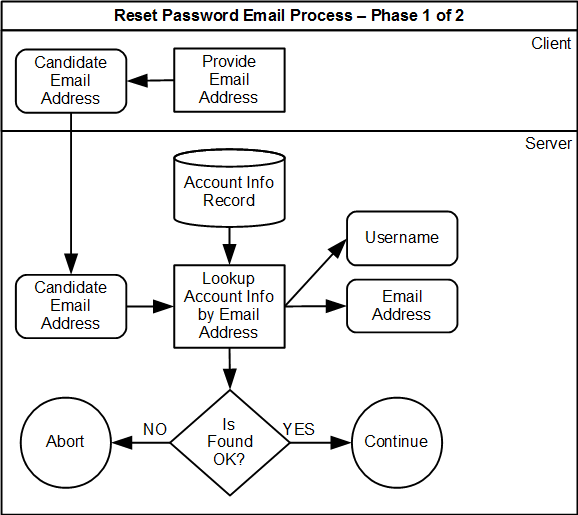
2. Reset Your Password
Use the “Forgot Password” option to reset your password. Choose a strong, unique password that you have never used before.
3. Use Account Recovery Options
Most email providers offer recovery options such as backup email addresses or phone numbers. Use these to verify your identity and regain access.
4. Check Account Settings
Once you regain access, review your account settings carefully. Hackers often change recovery emails, phone numbers, or forwarding rules.
5. Remove Suspicious Devices
Check active sessions and log out of unknown devices. This prevents hackers from maintaining access to your account.
6. Enable Two-Factor Authentication
Adding extra security is essential. Learn how
two factor authentication protects your account.
7. Scan Your Device for Malware
Malware can steal login details. Read our guide on
RAT malware to understand this threat.
These steps are essential if you want to recover hacked email account access safely without losing important data.
What to Do After Recovery
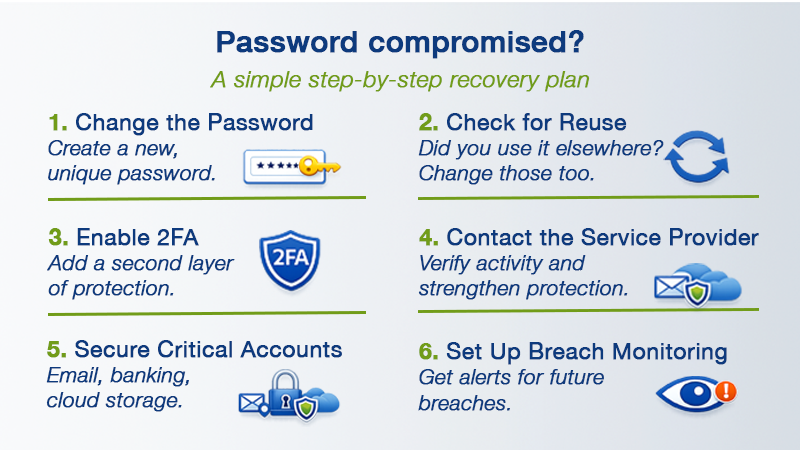
After recovering your email, secure all connected accounts. Update passwords for banking, social media, and other services.
Hackers often use stolen credentials in attacks like
credential stuffing.
How to Prevent Your Email from Being Hacked Again
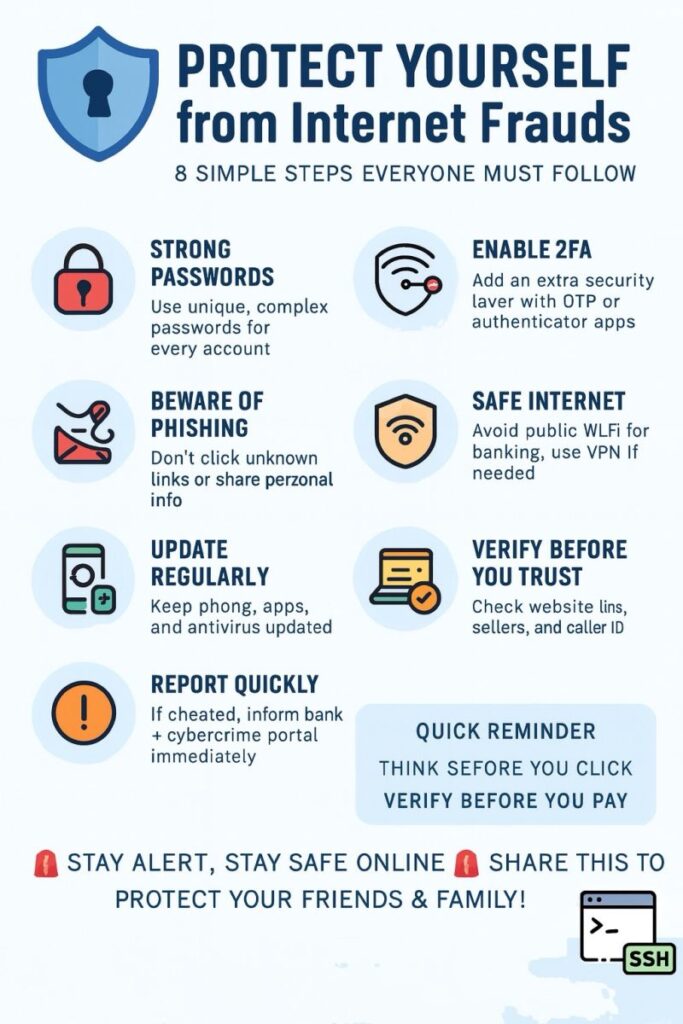
- Use strong and unique passwords
- Enable two-factor authentication
- Avoid phishing emails
- Regularly update your software
- Monitor account activity
External Security Check
You can check if your email has been exposed in a data breach using
Have I Been Pwned.
Real-Life Example
For example, if a hacker gains access to your email, they can reset passwords for your bank or social media accounts. Recovering your email quickly prevents further damage.
Can You Always Recover a Hacked Email Account?
In most cases, yes—but recovery depends on how quickly you act and whether your recovery details are still valid. If hackers change recovery options, the process may become more difficult.
Final Thoughts
Knowing how to recover a hacked email account can save you from serious security risks. Acting quickly, securing your account, and following best practices will help protect your digital identity.
Knowing how to recover hacked email account issues quickly can prevent further damage and protect your online identity. Learning how to recover hacked email account problems also helps you avoid similar attacks in the future.
To stay safe from cyber threats, read our complete guide on how to protect your email account from hackers, where we cover proven strategies, tools, and best practices.
FAQ
How long does it take to recover a hacked email account?
Recovery time varies, but most accounts can be recovered within minutes to a few hours if recovery options are available.
What if I can’t access my recovery email or phone?
You may need to go through manual verification with your email provider.
Can hackers regain access after recovery?
Yes, if you don’t secure your account properly. Always update passwords and enable two-factor authentication.
Should I inform my contacts?
Yes, warn your contacts not to click suspicious emails sent from your account.
Leave a Reply