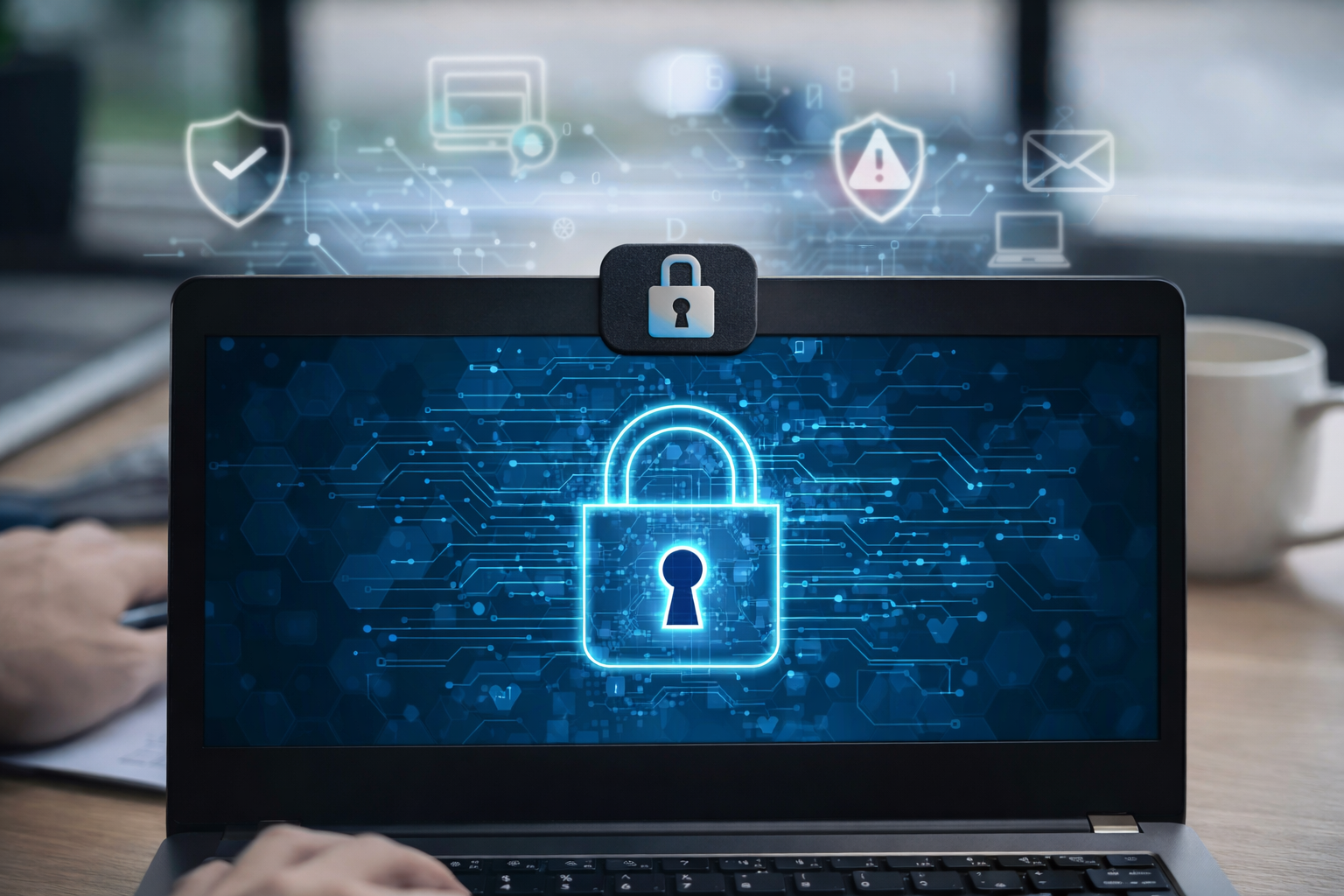
How hackers hack webcams is something most people never think about — until it becomes personal.
Webcam hacking isn’t just a movie plot. It happens through malware, phishing, weak security settings, and outdated software. The scary part? It often doesn’t require advanced hacking skills. Many attacks rely on simple mistakes or social engineering.
The good news is this: webcam hacking is preventable.
In this guide, you’ll learn how hackers hack webcams, the most common techniques they use, and exactly how you can protect yourself.
Understanding how hackers hack webcams allows you to strengthen your device security before vulnerabilities are exploited.
How Hackers Hack Webcams: 5 Common Techniques Explained
1. Malware and Remote Access Trojans (RATs)
One of the most common ways hackers hack webcams is through malware — especially something called a Remote Access Trojan (RAT).
A RAT is malicious software that gives an attacker remote control of your computer. Once installed, it can:
- Turn on your webcam
- Record video
- Capture screenshots
- Log keystrokes
- Access files
Most people install RATs accidentally by:
- Downloading cracked software
- Opening infected email attachments
- Clicking suspicious pop-ups
- Installing fake updates
The user thinks they’re installing something legitimate. In reality, they’ve opened the door.
How to Protect Yourself
- Never download cracked or pirated software
- Avoid suspicious email attachments
- Install reputable antivirus software
- Keep your operating system updated
- Enable your firewall
If malware cannot enter your system, your webcam stays safe.
2. Phishing Attacks
Another common method hackers use to hack webcams is phishing.
Phishing works by tricking you into giving away access. For example:
- A fake email claiming your account was compromised
- A fake login page that looks real
- A message asking you to “verify” your information
Once you enter your credentials, attackers can access your accounts — and sometimes your devices.
Some advanced phishing attacks even trick users into granting remote desktop access.
According to the FTC, phishing scams remain one of the most common cyber threats.
How to Protect Yourself
- Always verify the sender of emails
- Hover over links before clicking
- Enable two-factor authentication (2FA)
- Never share login credentials
- Be cautious with urgent or threatening messages
If something feels rushed or dramatic, pause before clicking.
3. Unsecured Wi-Fi Networks
Public Wi-Fi networks in cafes, hotels, and airports are convenient — but risky.
Hackers can create fake Wi-Fi networks that look legitimate. Once connected, they may:
- Intercept data
- Inject malware
- Monitor unencrypted traffic
This is known as a “man-in-the-middle” attack.
While Wi-Fi alone does not automatically give webcam access, it can help attackers deliver malware that does.
How to Protect Yourself
- Avoid accessing sensitive accounts on public Wi-Fi
- Use a trusted VPN when traveling
- Turn off automatic Wi-Fi connections
- Disable file sharing
- Use HTTPS websites only
Treat public Wi-Fi as a public space — not a private one.
4. Malicious Browser Extensions
Browser extensions can be helpful — but they can also be dangerous.
Some malicious extensions request access to:
- Your browsing data
- Your camera
- Your microphone
Once installed, they may secretly monitor activity or inject scripts.
Many users forget to review extension permissions.
How to Protect Yourself
- Only install extensions from trusted developers
- Read reviews carefully
- Check requested permissions
- Remove unused extensions
- Regularly audit your browser settings
If an extension requests camera access without a clear reason, remove it immediately.
5. Outdated Software and Security Vulnerabilities
Hackers actively search for outdated systems.
When companies discover security weaknesses, they release updates (patches). If you ignore updates, your device may remain vulnerable.
Outdated systems can allow attackers to:
- Bypass security controls
- Exploit known vulnerabilities
- Install spyware without detection
Keeping software updated is one of the simplest and most effective defenses.
Many of these attacks begin with simple online privacy mistakes that users overlook.
How to Protect Yourself
- Enable automatic updates
- Update your operating system regularly
- Keep your browser updated
- Update antivirus software
- Remove unsupported software
Security patches exist for a reason — use them.
Warning Signs Your Webcam May Be Hacked
If you’re worried about webcam hacking, look for these warning signs:
- Webcam indicator light turning on unexpectedly
- Strange files or unknown recordings
- Unusual computer activity
- Slower system performance
- Unknown programs running in the background
- Suspicious login alerts from your accounts
If you notice any of these:
- Disconnect from the internet
- Run a full antivirus scan
- Update all passwords
- Enable two-factor authentication
In serious cases, consider consulting a cybersecurity professional.
Simple Extra Protection: Physical Webcam Covers
Even with strong digital security, some users choose to:
- Use a webcam cover
- Cover the camera with tape
- Disable the webcam in device settings
Physical barriers provide peace of mind.
They are not paranoia — they are precaution.
Final Thoughts on Webcam Security
Understanding how hackers hack webcams is the first step toward protecting yourself.
Most webcam hacking incidents don’t happen because someone is specifically targeting you. They happen because:
- Malware was installed accidentally
- Software wasn’t updated
- Phishing succeeded
- Security settings were weak
Webcam security isn’t about fear. It’s about awareness and smart digital habits.
If you want to understand the broader risks behind these attacks, read our guide on webcam exploitation and how it happens.
With the right precautions, the risk becomes dramatically lower.
Stay informed. Stay cautious. Stay in control.
Leave a Reply