Introduction
If you’re serious about protecting your inbox, choosing the best password manager for email security is one of the smartest decisions you can make.
Most email hacks happen because of weak or reused passwords. A password manager eliminates that risk by generating and storing strong, unique passwords for every account.
In this guide, we’ll compare the top options and help you choose the right one.
Choosing the best password manager for email security helps you avoid password reuse and protect your accounts from hackers.
Table of Contents
Why You Need a Password Manager for Email Security
Your email is the gateway to:
- Banking
- Social media
- Work accounts
If it’s compromised, everything else follows.
A password manager helps you:
- Create strong passwords
- Store them securely
- Autofill login details safely
- Avoid password reuse
Using a password manager is just one step—learn more in our guide on how to protect your email account from hackers.
How We Chose the Best Password Managers
We evaluated tools based on:
- Security (encryption, zero-knowledge policy)
- Ease of use
- Cross-platform support
- Pricing
- Features (2FA, autofill, breach alerts)
Top 5 Password Managers (Compared)
1. 1Password
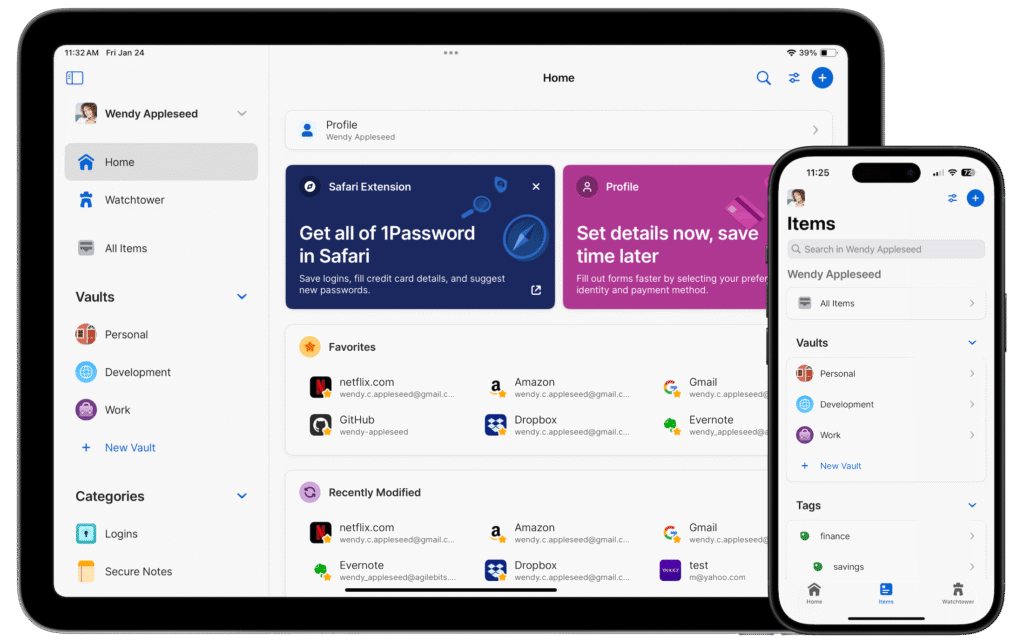
Best for: Overall security and usability
Key Features:
- End-to-end encryption
- Travel mode (hide sensitive data)
- Watchtower (breach alerts)
- Cross-device sync
Pros:
✔ Excellent security
✔ Easy to use
✔ Great for families
Cons:
❌ No free plan
Pricing: Starts around $2.99/month
You can learn more about 1Password on their official website.
2. LastPass
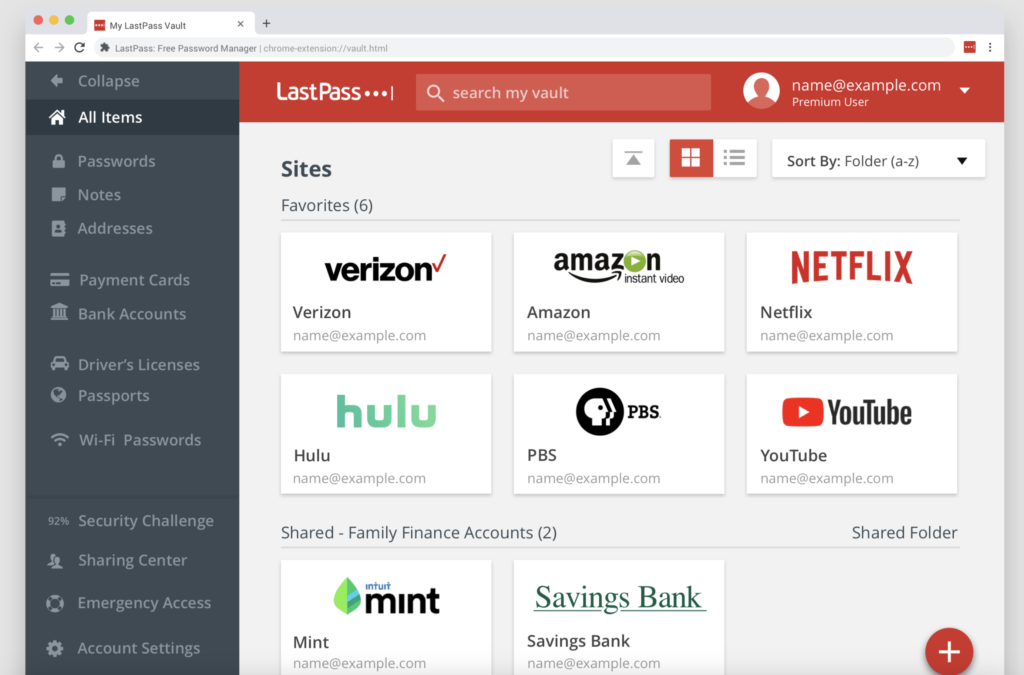
Best for: Beginners
Key Features:
- Password generator
- Autofill
- Secure vault
- Dark web monitoring
Pros:
✔ Easy setup
✔ Free plan available
Cons:
❌ Limited free version
Pricing: Free + Premium plans
3. Bitwarden
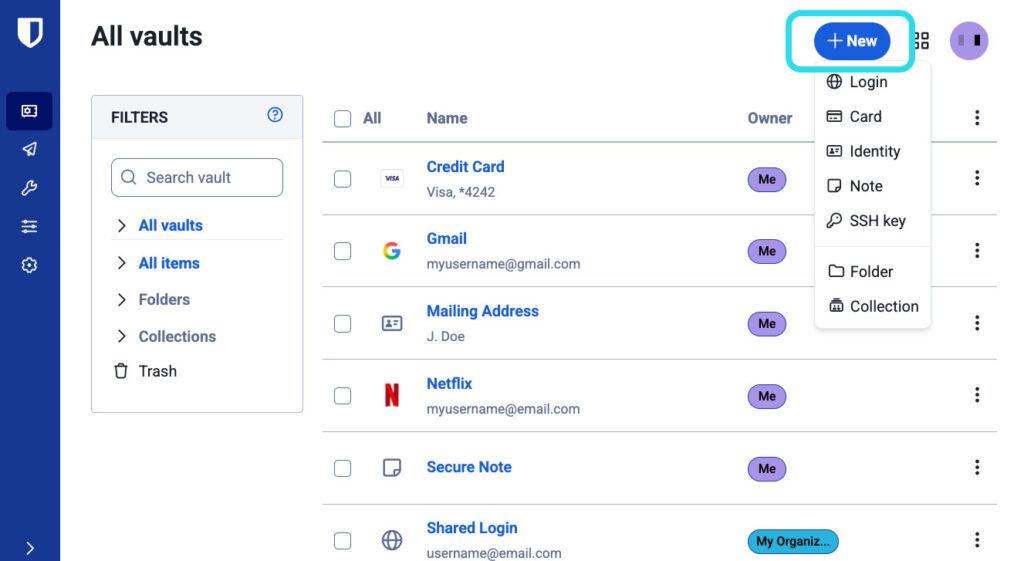
Best for: Budget users & open-source fans
Key Features:
- Open-source security
- End-to-end encryption
- Self-hosting option
Pros:
✔ Very affordable
✔ Transparent security
Cons:
❌ Slightly less polished UI
Pricing: Free + $10/year premium
Bitwarden is an open-source password manager—learn more on the official Bitwarden website.
4. Dashlane
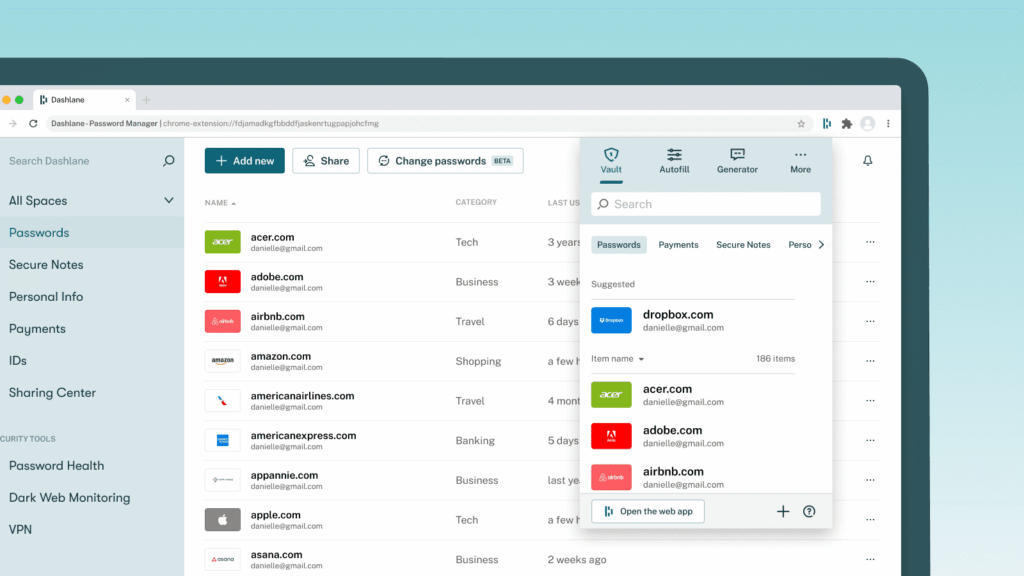
Best for: Extra security features
Key Features:
- Built-in VPN
- Dark web monitoring
- Password health reports
Pros:
✔ Advanced features
✔ Strong security
Cons:
❌ Expensive
Pricing: Premium plans only
5. NordPass
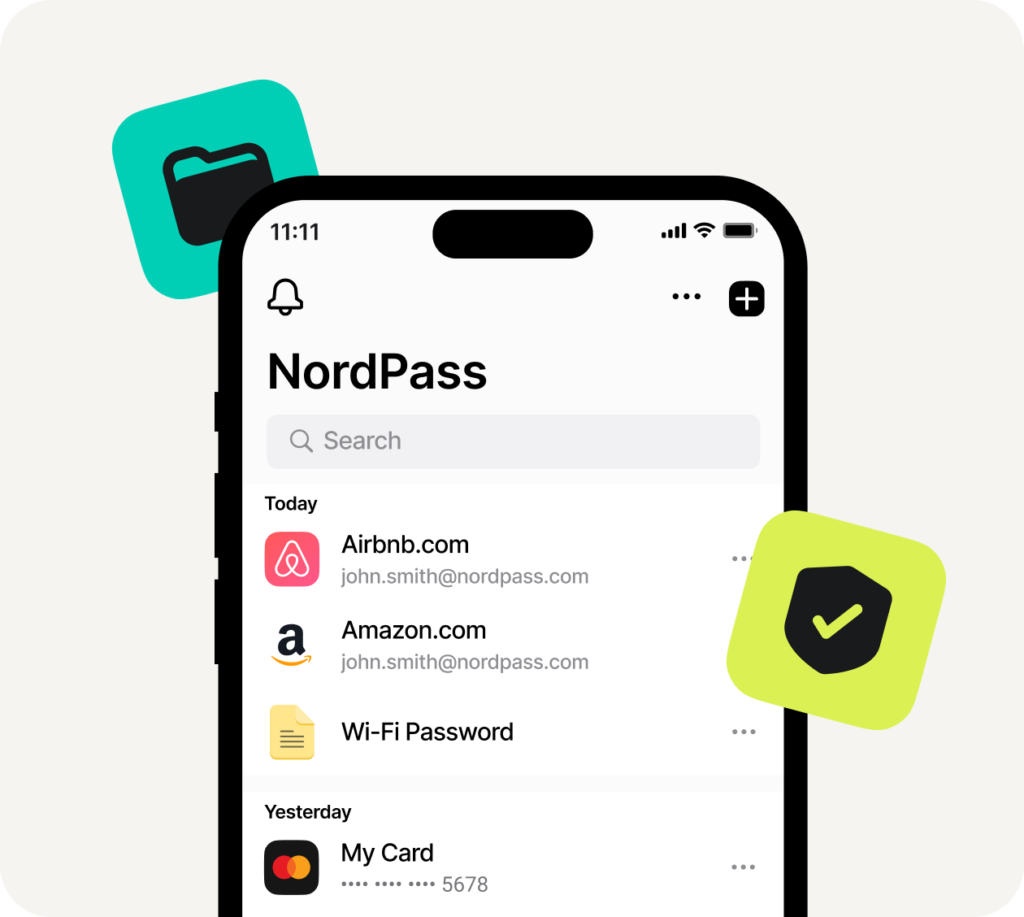
Best for: Simplicity + performance
Key Features:
- Zero-knowledge architecture
- Biometric login
- Secure password sharing
Pros:
✔ Clean interface
✔ Fast performance
Cons:
❌ Limited advanced features
Pricing: Free + Premium
Comparison Table
| Tool | Free Plan | Best Feature | Price |
|---|---|---|---|
| 1Password | ❌ | Security + UX | $2.99/mo |
| LastPass | ✅ | Ease of use | Free / Paid |
| Bitwarden | ✅ | Open-source | $10/year |
| Dashlane | ❌ | VPN + monitoring | Premium |
| NordPass | ✅ | Simplicity | Free / Paid |
How to Choose the Right Password Manager
Choose based on your needs:
- Best overall: 1Password
- Free option: Bitwarden
- Beginner-friendly: LastPass
- Advanced security: Dashlane
Using the best password manager for email security ensures your accounts stay protected.
🔐 Recommended Password Managers
If you want to improve your email security, tools like 1Password, Bitwarden, or LastPass are excellent choices.
They help you generate strong passwords and keep your accounts safe.
👉 Choose one that fits your needs and start securing your accounts today.
These tools are widely trusted and used by millions to secure their accounts.
Are Password Managers Safe?
Yes—when used correctly.
They use:
- Strong encryption
- Zero-knowledge architecture
Even the provider can’t see your data.
For maximum protection, combine your password manager with 2FA—learn what is 2FA and how it works.
💡 Why This Matters
Using a password manager is one of the easiest ways to protect your email from hackers.
Even switching to a free option like Bitwarden can significantly improve your security.
Common Mistakes to Avoid
- Reusing master passwords
- Not enabling 2FA
- Storing passwords in browsers
- Ignoring security alerts
🚀 Take Action Now
Don’t wait until your account gets hacked.
Start using a password manager today to protect your email, personal data, and online accounts.
Final Verdict
Choosing the best password manager for email security can drastically reduce your risk of being hacked.
If you want:
- Best overall → 1Password
- Best free → Bitwarden
Take action now—your email security depends on it.
Using the best password manager for email security is one of the simplest ways to improve your online safety.
FAQs
1. What is the best password manager for email security?
1Password and Bitwarden are top choices.
2. Are free password managers safe?
Yes, but premium versions offer better features.
3. Can password managers be hacked?
Rarely, but strong master passwords + 2FA keep you safe.
4. Should I use a password manager for Gmail and Outlook?
Absolutely—it protects all your accounts.
5. Do password managers work on mobile?
Yes, all major tools support mobile devices.
Leave a Reply